Putting AI into a product feature without making it the product
What building Care Signals at ShiftCare taught me about adding AI to a feature in a way people can trust and review.
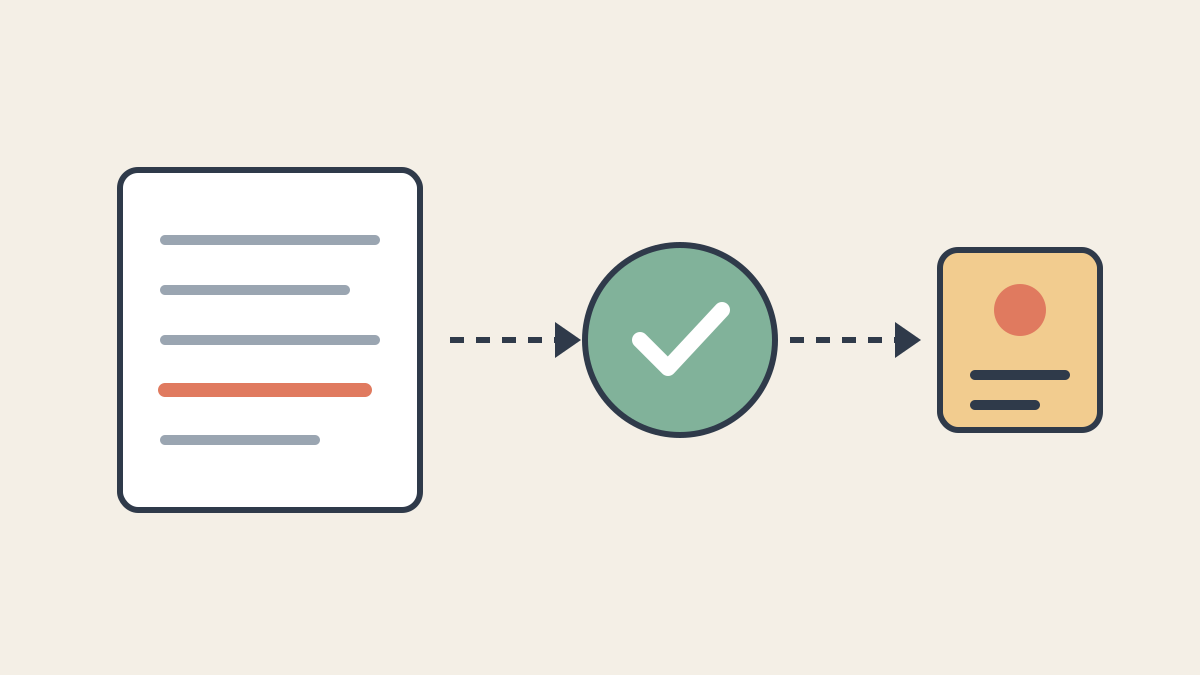
Most of the AI features I find useful are not chat windows. They are an existing workflow with one step that a model does better than a rule could.
Care Signals at ShiftCare is a good example. Support workers write progress notes after each shift. Somewhere in those notes, a fall, a missed medication, or a change in behaviour can get buried in ordinary text. Care Signals reads each note after it is saved and raises a signal for a coordinator when something may need attention.
Nothing about that requires a new interface for talking to a model. It requires a small, well-shaped job for the model, and a lot of ordinary engineering around it.
Here is the approach I would reuse for the next feature.
Give the model one narrow question
The model in Care Signals does not decide what to do. It answers one question: does this note contain any of these specific concerns, and how confident are you?
That question has a fixed list of categories behind it, each with its own description and severity. The model is told to use only those categories. It cannot invent a new kind of concern, and it cannot change how serious a category is. Severity belongs to the product, not to the model.
Narrowing the question does two things. It keeps the output predictable enough to build on. It also makes the feature explainable: a coordinator sees the category that matched and a short excerpt from the note, instead of an opinion.
Ask for structure, not prose
The model returns its answer through a tool call with a defined schema: whether there are concerns, which categories, a confidence per category, a one-sentence reason, and a short verbatim excerpt.
This is the single most useful habit I have for AI in features. Once the response is structured data, the rest of the code is normal code. It can be validated, stored, filtered by threshold, and tested. If the model does not return the tool call, that is a failure the code can recognise, not a paragraph somebody has to parse.
A small, fast model is enough for a job shaped like this. The work is classification against a known list, not open-ended reasoning.
Keep the decisions in code
The model’s answer is an input. The product still makes the decisions.
A signal is only raised when the model confirms a concern and the confidence is above a threshold. Accounts can adjust category descriptions, thresholds, and who is notified, so the feature fits how each organisation works. If a later edit to the note removes the concern, the existing signal is cleared.
Those rules would be awkward to express in a prompt and easy to get wrong there. In code, they are visible, reviewable, and covered by tests.
Put a person at the end of it
Care Signals does not act on anyone’s behalf. It gives a coordinator a queue. From there, a person acknowledges the signal, marks it as needing follow-up, or confirms it as an incident.
That shape matters in care. A false positive costs a coordinator a minute. A false negative is the more serious risk, which is why the feature adds a check rather than replacing the existing ones. It also means every signal gets a human judgement that we can learn from.
Treat the model like any other dependency
Most of the effort was the parts that have nothing to do with AI:
- Run it in the background. The scan runs as a job after the note is saved, so writing a note never waits on a model.
- Fail loudly. If classification fails, the job raises and retries. A silent failure would look exactly like “no concerns found”, which is the worst possible outcome for this feature.
- Treat configurable text as data. Account-edited descriptions go into the prompt, so they are sanitised and clearly marked as data, not instructions.
- Release behind flags. The feature and its AI step can be turned on per account and rolled out gradually.
- Measure it. Every scan records what happened, so we can see failure rates, latency, and how often signals are confirmed or dismissed.
None of this is novel. That is the point. The model is one step in a pipeline that is otherwise built the way we build everything else.
The short version
If I had to fit the approach on a card:
- Find the one step in an existing workflow where judgement over text is the bottleneck.
- Ask the model a narrow question against a fixed list.
- Get structured output back.
- Keep thresholds, severity, and actions in code.
- Send the result to a person, not straight into an action.
- Run it in the background, fail loudly, flag it, and measure it.
That makes the AI part small, and the feature easier to trust. In my experience, it also makes it much easier to ship.